> ## Documentation Index
> Fetch the complete documentation index at: https://flow9.mintlify.site/llms.txt
> Use this file to discover all available pages before exploring further.
# How campaigns work
> AI voice, SMS, and email campaigns in Flow9 Funnel — what they do and how the pieces fit together.
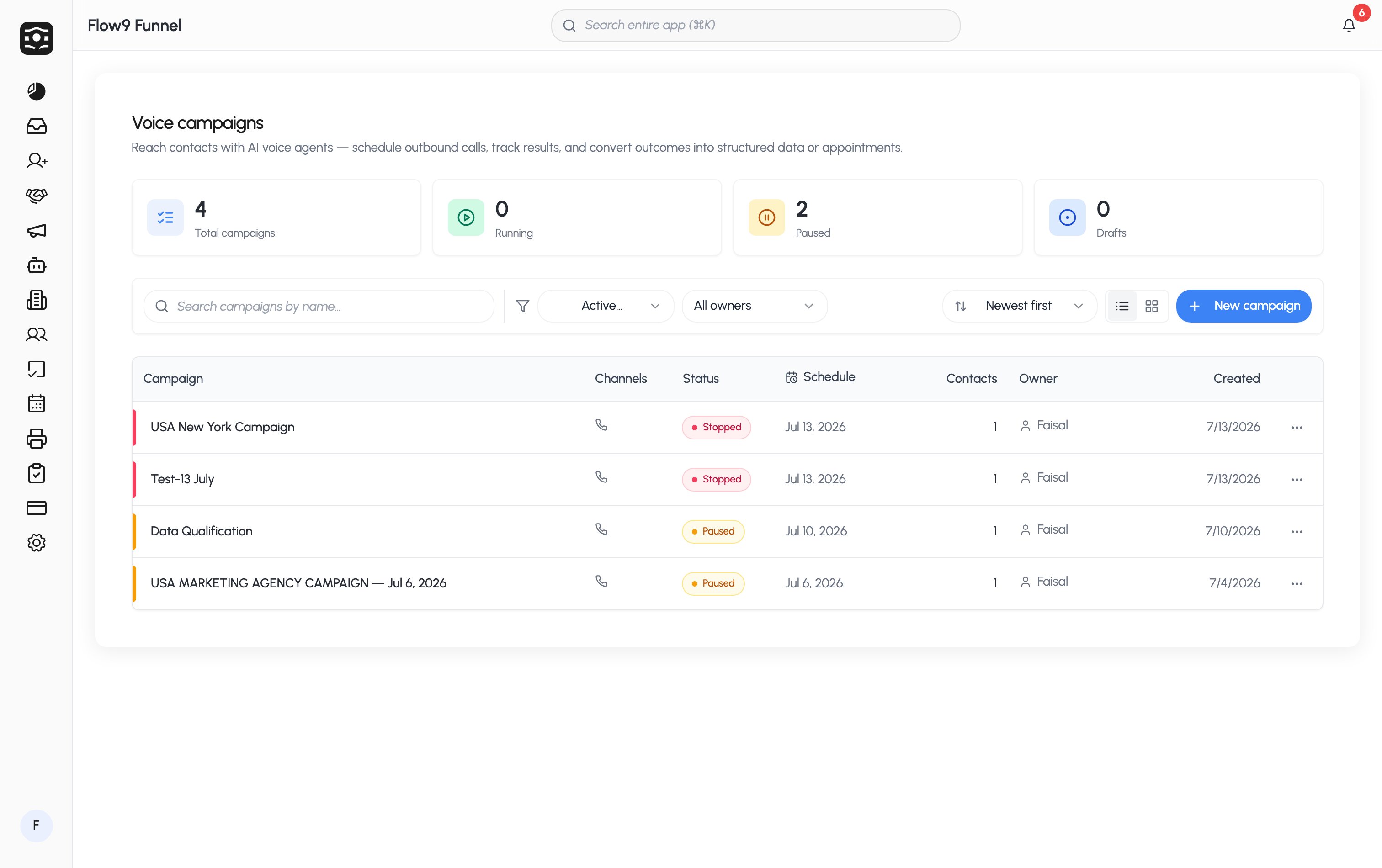
A campaign reaches a list of contacts on your behalf. An **AI voice agent**
calls them and holds a real conversation, and you can pair the calls with
**SMS** and **email** in the same campaign.
 ## The building blocks
Every campaign combines the same pieces:
1. **Channels** — Voice, SMS, Email; toggle any combination on one campaign.
2. **A sender number** — the phone number the campaign calls and texts from
([Phone numbers](/guide/ai-campaigns/phone-numbers)).
3. **An audience** — one or more contact lists, or a CSV you import
([Contacts & lists](/guide/ai-campaigns/contacts-and-lists)).
4. **A voice agent** — the model, voice, and prompt that shape the
conversation ([Build your voice agent](/guide/ai-campaigns/voice-agent)).
5. **An outcome** — what the campaign is *for*:
* **Data collection** — the agent captures answers (fields you choose) and
writes them to a customer, lead, deal, or custom object.
* **Appointment booking** — the agent books meetings onto your team's
connected calendars, distributed through a pool.
* **Informational** — the agent shares information; nothing is captured.
6. **A schedule** — start/end dates, calling hours, recurrence, and optional
holiday calendars ([Schedules & lifecycle](/guide/ai-campaigns/schedules-and-lifecycle)).
## What happens when it runs
Once you start a campaign, the scheduler dials contacts inside your calling
window, retries the ones that didn't answer (you control when and how often),
skips anyone on your [Do Not Call or suppression lists](/guide/ai-campaigns/compliance),
and records every call with a transcript, recording, outcome, and sentiment —
all visible on the campaign's [results page](/guide/ai-campaigns/results).
## Where to start
The full walkthrough of the campaign form.
Prompts, voices, and testing with a live web call.
## The building blocks
Every campaign combines the same pieces:
1. **Channels** — Voice, SMS, Email; toggle any combination on one campaign.
2. **A sender number** — the phone number the campaign calls and texts from
([Phone numbers](/guide/ai-campaigns/phone-numbers)).
3. **An audience** — one or more contact lists, or a CSV you import
([Contacts & lists](/guide/ai-campaigns/contacts-and-lists)).
4. **A voice agent** — the model, voice, and prompt that shape the
conversation ([Build your voice agent](/guide/ai-campaigns/voice-agent)).
5. **An outcome** — what the campaign is *for*:
* **Data collection** — the agent captures answers (fields you choose) and
writes them to a customer, lead, deal, or custom object.
* **Appointment booking** — the agent books meetings onto your team's
connected calendars, distributed through a pool.
* **Informational** — the agent shares information; nothing is captured.
6. **A schedule** — start/end dates, calling hours, recurrence, and optional
holiday calendars ([Schedules & lifecycle](/guide/ai-campaigns/schedules-and-lifecycle)).
## What happens when it runs
Once you start a campaign, the scheduler dials contacts inside your calling
window, retries the ones that didn't answer (you control when and how often),
skips anyone on your [Do Not Call or suppression lists](/guide/ai-campaigns/compliance),
and records every call with a transcript, recording, outcome, and sentiment —
all visible on the campaign's [results page](/guide/ai-campaigns/results).
## Where to start
The full walkthrough of the campaign form.
Prompts, voices, and testing with a live web call.