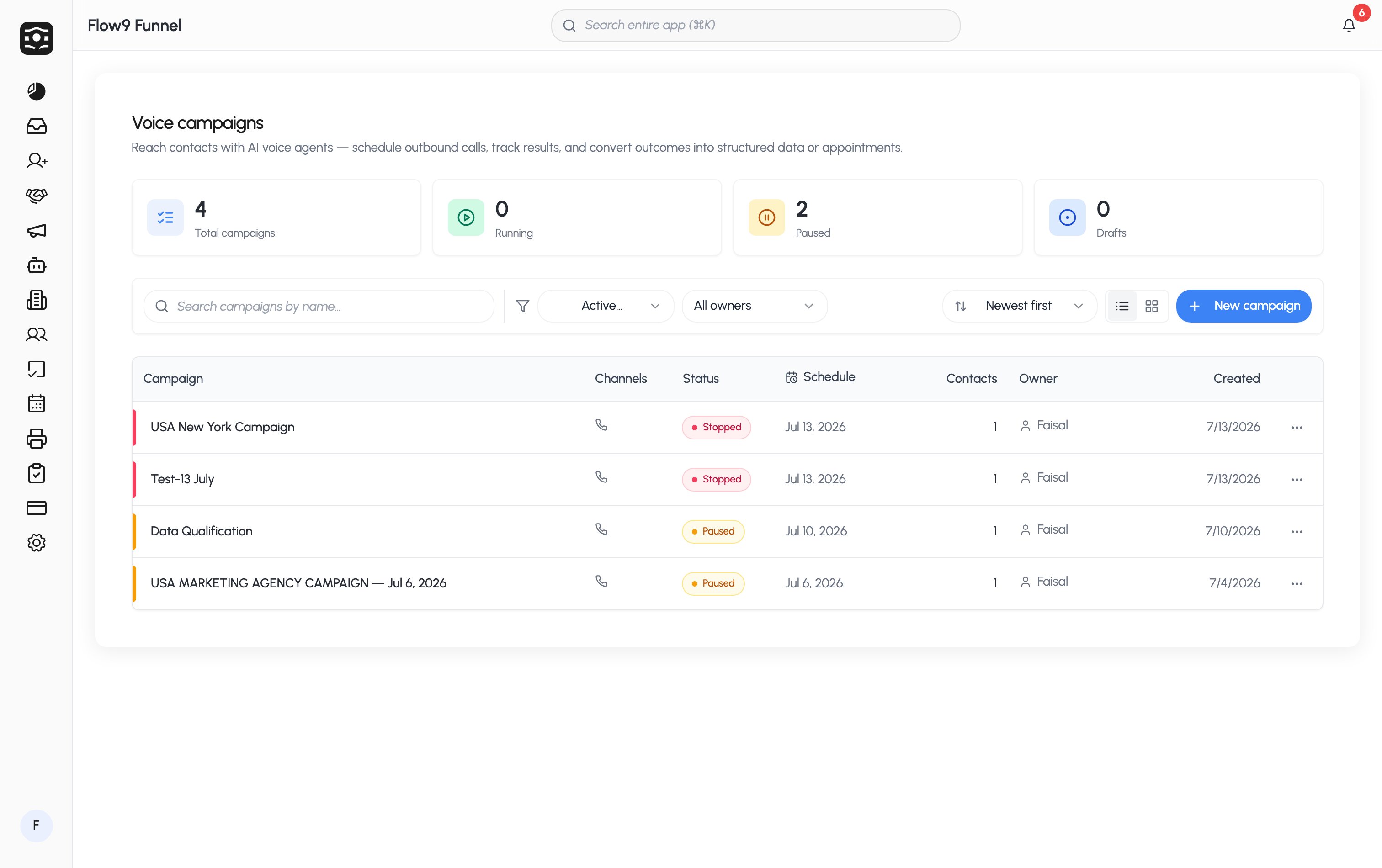
The building blocks
Every campaign combines the same pieces:- Channels — Voice, SMS, Email; toggle any combination on one campaign.
- A sender number — the phone number the campaign calls and texts from (Phone numbers).
- An audience — one or more contact lists, or a CSV you import (Contacts & lists).
- A voice agent — the model, voice, and prompt that shape the conversation (Build your voice agent).
- An outcome — what the campaign is for:
- Data collection — the agent captures answers (fields you choose) and writes them to a customer, lead, deal, or custom object.
- Appointment booking — the agent books meetings onto your team’s connected calendars, distributed through a pool.
- Informational — the agent shares information; nothing is captured.
- A schedule — start/end dates, calling hours, recurrence, and optional holiday calendars (Schedules & lifecycle).
What happens when it runs
Once you start a campaign, the scheduler dials contacts inside your calling window, retries the ones that didn’t answer (you control when and how often), skips anyone on your Do Not Call or suppression lists, and records every call with a transcript, recording, outcome, and sentiment — all visible on the campaign’s results page.Where to start
Create a campaign
The full walkthrough of the campaign form.
Build your voice agent
Prompts, voices, and testing with a live web call.