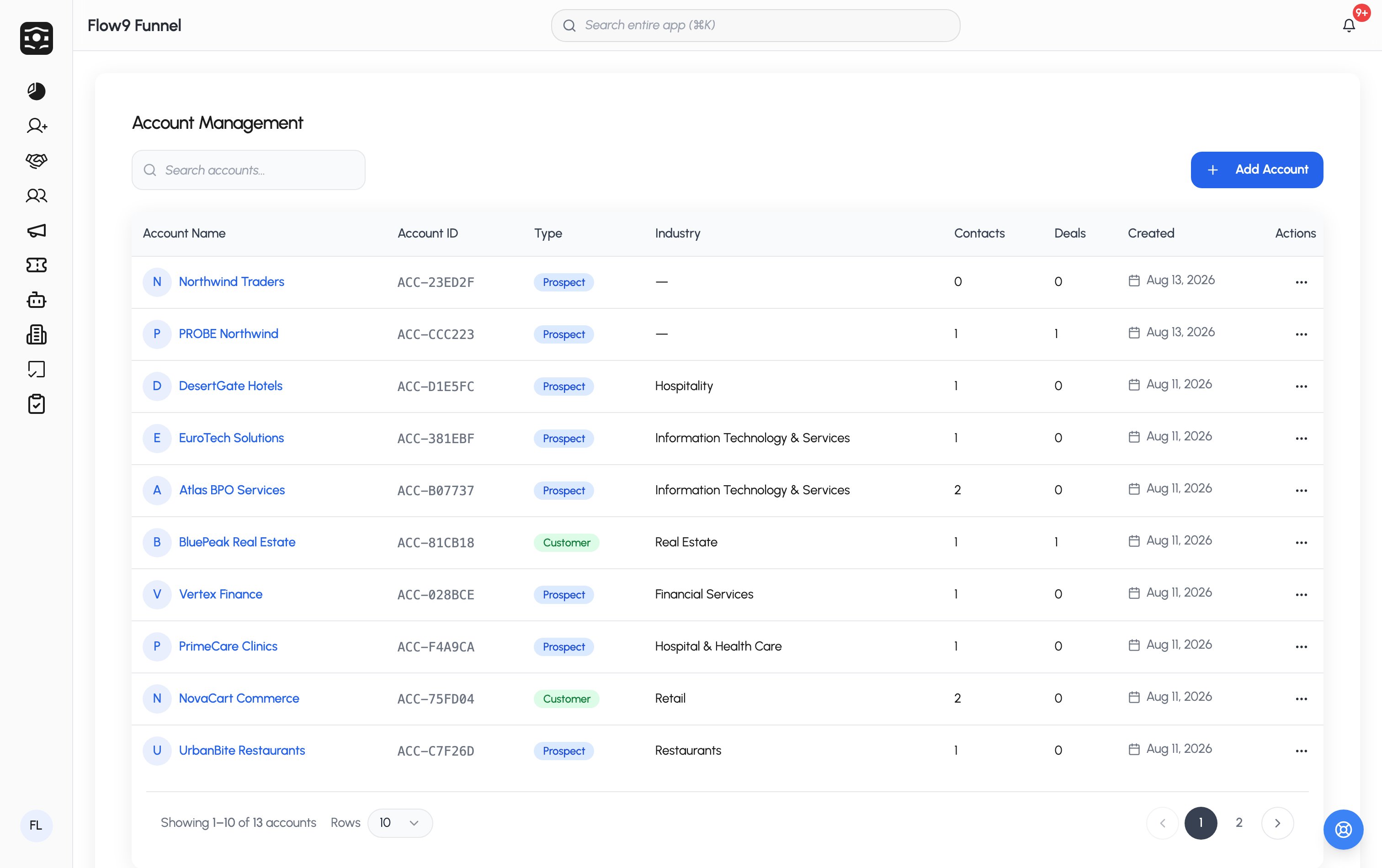
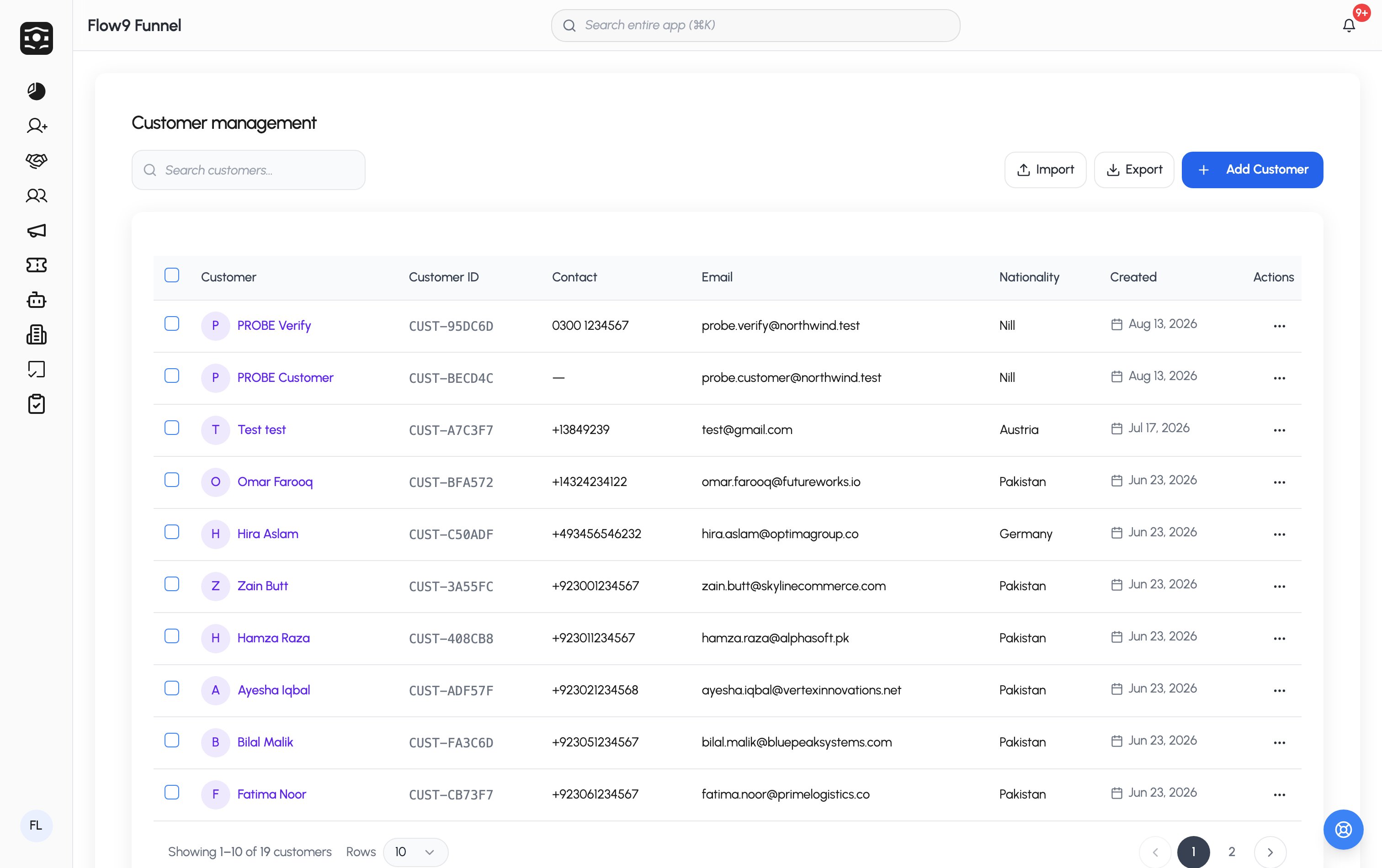
- A Customer is a person — the contact you sell to.
- An Account is a company or organization. Customers, leads, and deals can all link to an account, giving you the B2B roll-up view.
Customers
A customer record holds the person’s name, email, mobile, nationality, region, preferred currencies, comments, and social media links (Facebook, WhatsApp, Instagram, LinkedIn), plus your workspace’s custom fields. Each customer can be assigned to a team member and linked to an account. Customers are usually born from converting a lead, but you can create them directly too. Duplicate checking flags a match if any configured field matches an existing customer. Like leads, customers can get rule-based tags automatically. The customer page shows their details and activity history, with quick actions to call, text, or email them.Accounts
An account record covers the organization: name, type (Prospect, Customer, Partner, Vendor), industry, website, contact details, company size and annual revenue bands, billing address, owner, status, and custom fields. Two structural features make accounts powerful:- Related records — the accounts list shows each account’s linked contacts and deals at a glance.
- Parent accounts — accounts can nest under a parent, so subsidiaries and branches roll up to the organization above them.